Find an exhibition
Open a show in MAR+ or follow its exhibition link. Read the artist's notes before you raise your phone.
iPhone beta · Registered devices
An extra exhibition in the room you're already standing in. Open MAR+ and see what the walls are keeping from you.
Try the artwork demoNo new walls. The rent is bad enough.
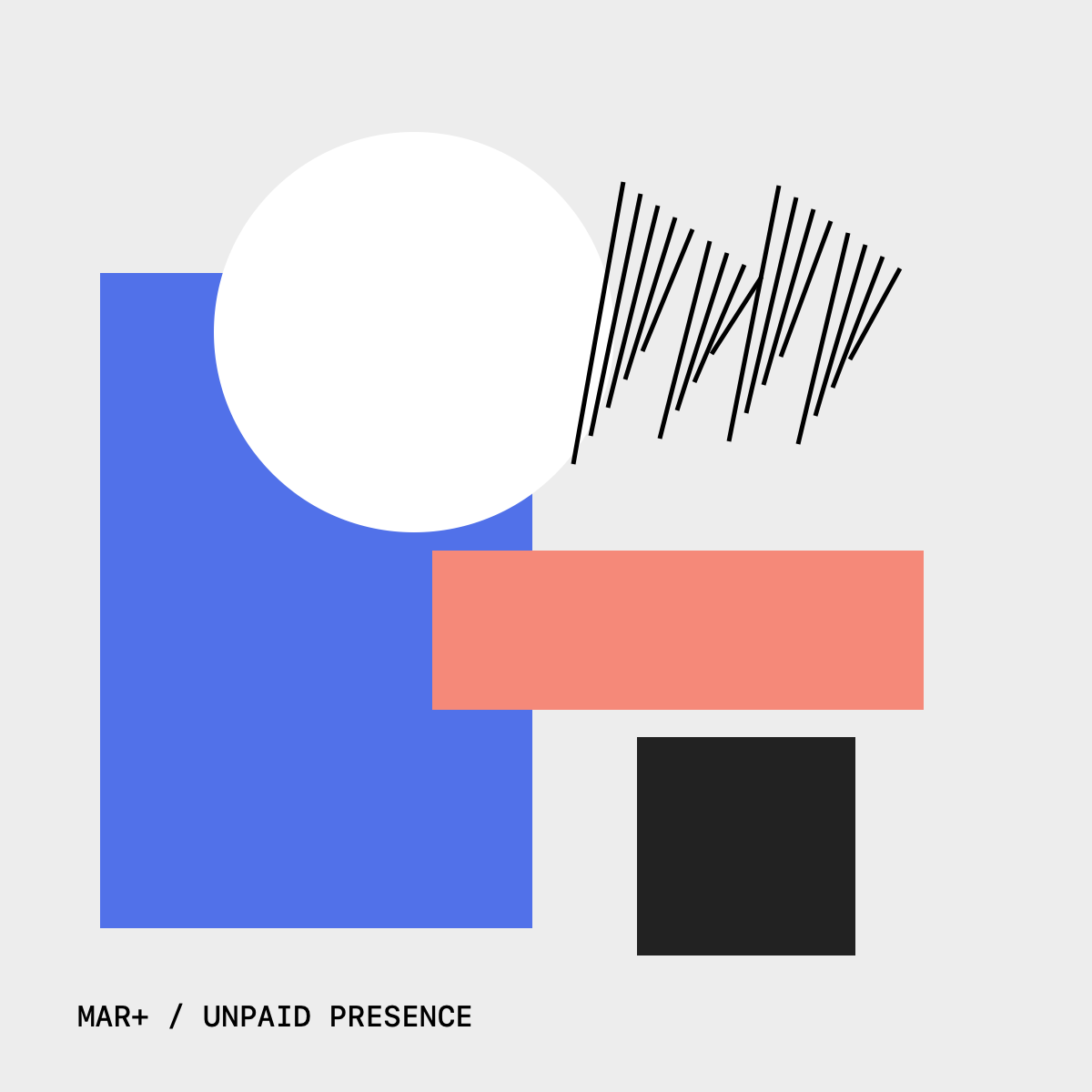
A screen demo. The app uses your camera to place art in the room.
Open a show in MAR+ or follow its exhibition link. Read the artist's notes before you raise your phone.
The app recognises an image and reveals what the artist has placed around it. Your camera starts when you choose.
Move around the work. The original stays where it is. Its ego may need a minute.
Room layout sketch · not a captured scan
Use your authoring iPhone to map a room, then place art on a wall or floor. Save the layout and come back to it.
Choose from three Fidget Book works, give each a place, and publish the layout. Curators manage the rooms; visitors get the exhibition.
Help test the first roomsThe committee can be a setting. Off, preferably.
The first build is for iPhone. An Apple Vision Pro viewer is also in development, using the same exhibition content.
Once you have a development build, show this image on another screen or print it 24 cm wide. Open After hours in the app.
Open the demo targetCurators publish rooms and artwork layouts for visitors. Camera video stays on the phone; published room maps are shared.
A small first audience
We're looking for people to try the first exhibition and help test room placement.
Install the iPhone betaiPhone beta for registered test devices. iOS 18 or later.
Open in Safari on your registered iPhone. For access, email Egor.